
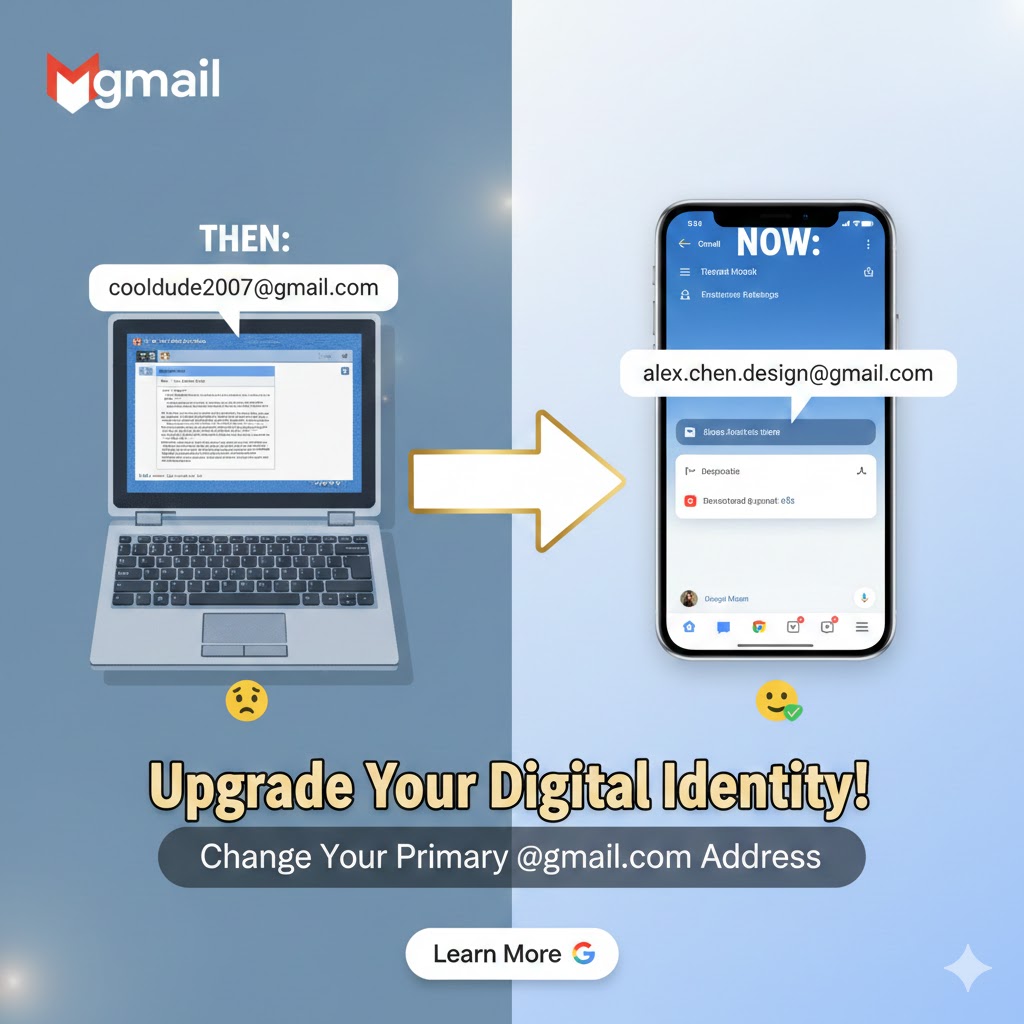
Say Goodbye to “CoolDude2007”: Change Your Gmail Address!
We’ve all been there—using an email address created a decade ago that doesn’t quite fit who you are today. For years, the only way to get a new one was to start from scratch and leave your data behind.
Not anymore. We are excited to announce that you can now change your primary @gmail.com address while keeping every single email, photo, and file exactly where it is.
Why You’ll Love It:
Keep Your Data: All your Google Drive files, Photos, and YouTube history stay with you.
No Missed Emails: Your old address becomes an alias. Emails sent to your old handle will still arrive in your inbox.
Dual Sign-In: You can sign into Google services using either your old or your new email address.
Identity Protection: Your old address is permanently linked to you; no one else can ever claim it.
How to Change Your Address
The feature is rolling out gradually. To see if it’s available for you:
Go to myaccount.google.com.
Select Personal info on the left.
Under Contact info, click on Email.
If available, you will see a pencil icon or a link that says “Change your Google Account email address.”
Follow the prompts to choose your new username!
Important Things to Know
12-Month Cooldown: You can only change your address once every 12 months.
Lifetime Limit: You can change it a total of three times (meaning you can have up to four addresses total associated with the account).
Login Required: After changing, you may need to sign back into third-party apps and your mobile devices.
Note: This feature is currently for personal @gmail.com accounts. If you use a Workspace account (for work or school), your administrator still manages your email identity.
Leave a Reply